
Guide
How to Install Magic Loader on Android, Step by Step
The calm way to install the Magic Loader client: get the file, allow the install, launch Bedrock through it and pick your first pack.

CONTENTS On this page
Start with the file and the facts from Magic Loader APK, so the copy on your phone is the client we tested, then follow the steps below in order. Nothing here needs a computer, an account or any setup beyond the install prompt Android shows for apps fetched as files, plus the Minecraft Bedrock game you already play.
Get the file onto your phone
Open the download page and wait for the short countdown to finish. When the button appears, tap it and let the file come down completely before you touch it. A half finished download is the single most common reason an install refuses to start, so check your downloads list shows a finished file, not a progress bar.
If you started the download on a computer instead, copy the file across with a cable and install it on the phone exactly the same way. The client only runs on the phone, next to the game it launches. For the neighbouring topic, Magic Loader for Beginners covers the next step in the same plain style.
Allow the install and confirm
Tap the finished file. Android will ask whether your browser may install apps; allow it for this file and tap install. That prompt appears for every APK fetched outside a store, and it is Android doing its job, not a warning about this particular client.
The install finishes quickly and the Magic Loader icon lands in your app drawer. If the install is refused, fetch the file again on a steady connection and repeat: a complete file almost always goes through. Players who finish this page usually continue with Magic Loader Not Working? Seven Fixes That Solve Most Problems for the follow on detail.
First launch and the Magic panel
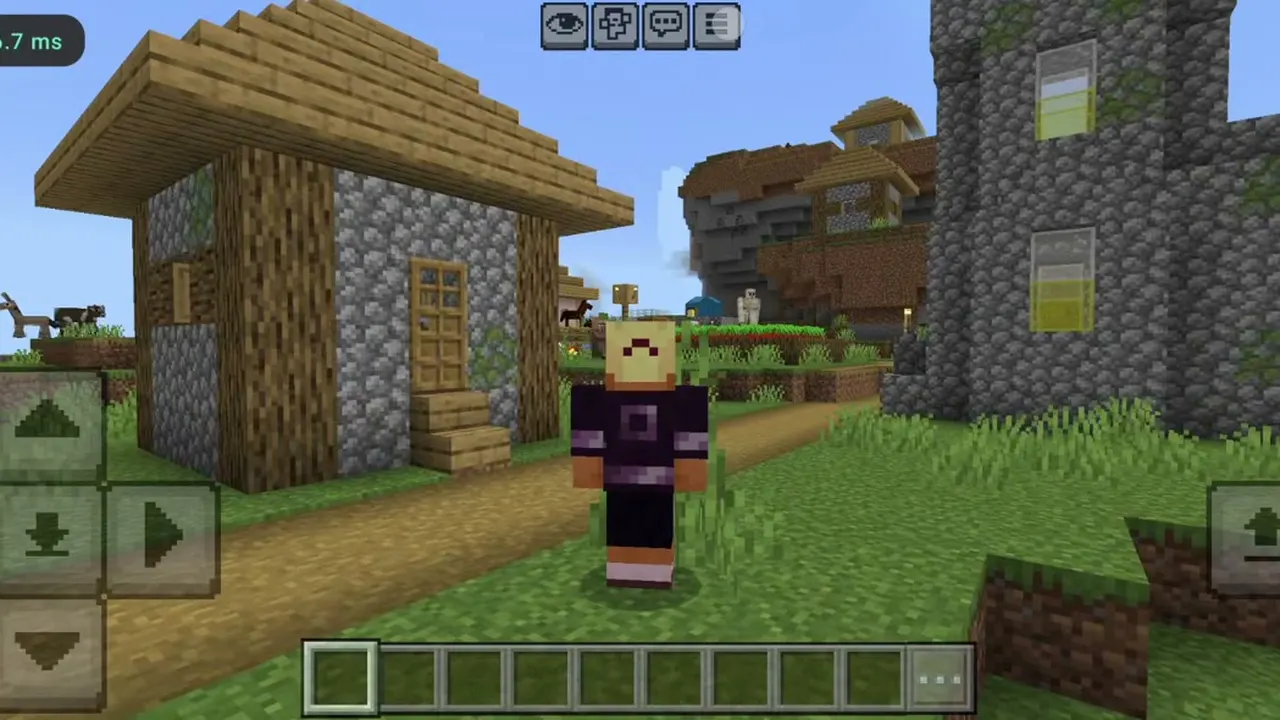
Open the client, not the normal Minecraft icon, and let it launch the game. Once a world loads, open the Magic panel and confirm MagicVanilla is selected. That light house pack is the right first test: if it renders cleanly, the loader, the game and your phone are all shaking hands properly.
From there, walk to open water and wait for sunset. You have just run your first Java style shader scene on Bedrock, and the heavier packs are now a settings conversation, not an install problem. One more worth your time: Magic Loader FPS Guide. When you are ready to act on it, the file is waiting on the Magic Loader download page.
Quick Answers
Do I need Minecraft Bedrock installed first?
Yes. the client is a launcher layer around the game, so Minecraft Bedrock needs to be installed and launched at least once on the same phone.
Why does Android ask to allow installs from my browser?
That prompt appears for any app installed from a downloaded file rather than a store. Allow it for this file and the install proceeds normally.
Which pack should I open first?
MagicVanilla. It is the lightest pack in the list and the cleanest way to confirm everything works before the heavy Java packs.
The install finished but nothing looks different. Why?
You probably opened the normal Minecraft icon. Launch through the the client client and check the pack selected in the Magic panel.