
Before You Download
Two checks make this install smooth. First, Minecraft Bedrock needs to live on the same phone, installed and launched at least once, because the client is a launcher layer around that game rather than a game itself. Second, temper the first session plan: the heavy Java packs are the most demanding thing your phone will render in Minecraft, so a fresh test world and a light pack are the right opening move.
Keep some free storage spare for the game, its packs and the client, and close heavy background apps before a long session. Shader work warms a phone; a cool phone with a charged battery gives you the honest first impression.
Installing After the Download
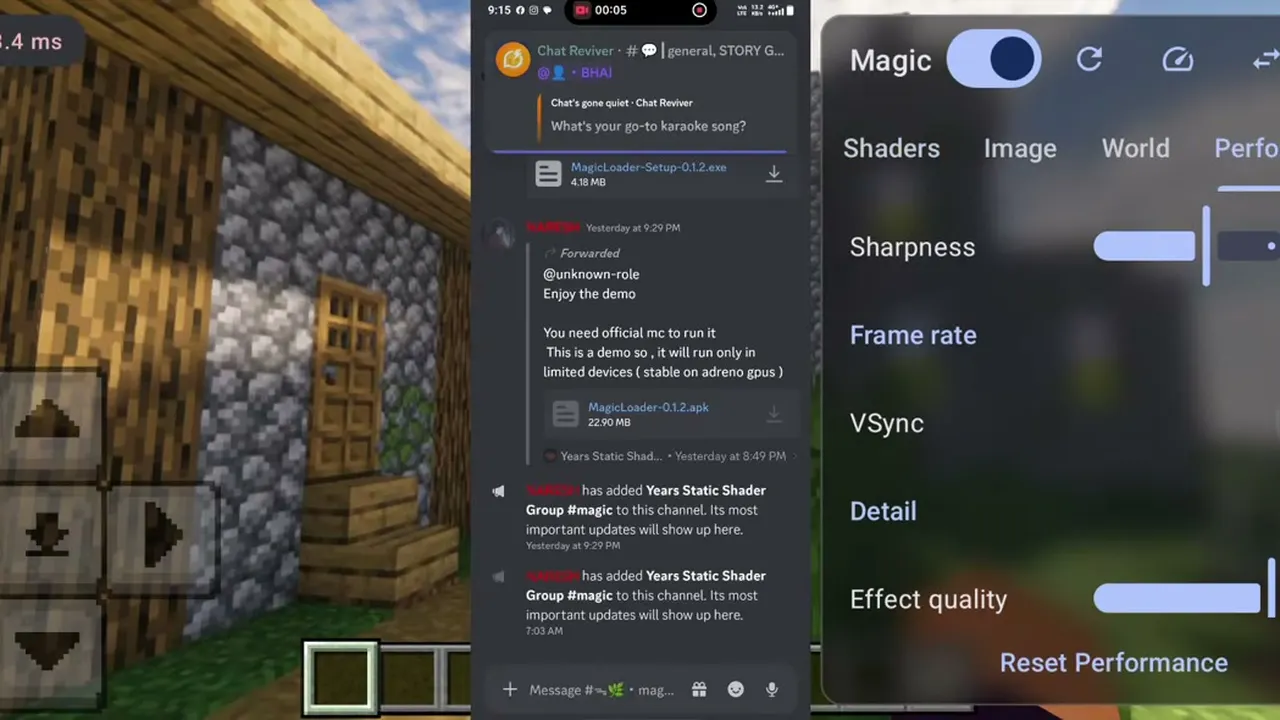
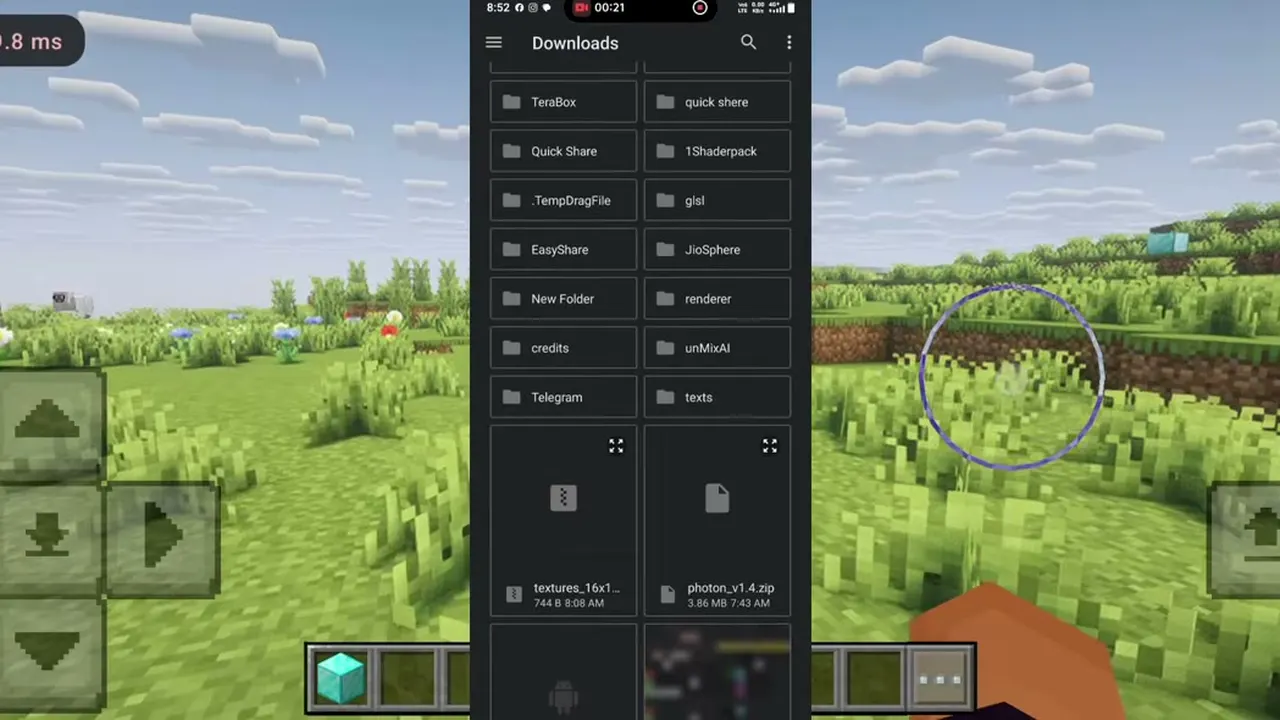
When the countdown ends and the button appears, tap it and let the file finish completely before opening it. Tap the finished file, allow installs from your browser when Android asks, and confirm. That prompt appears for every app installed from a downloaded file.
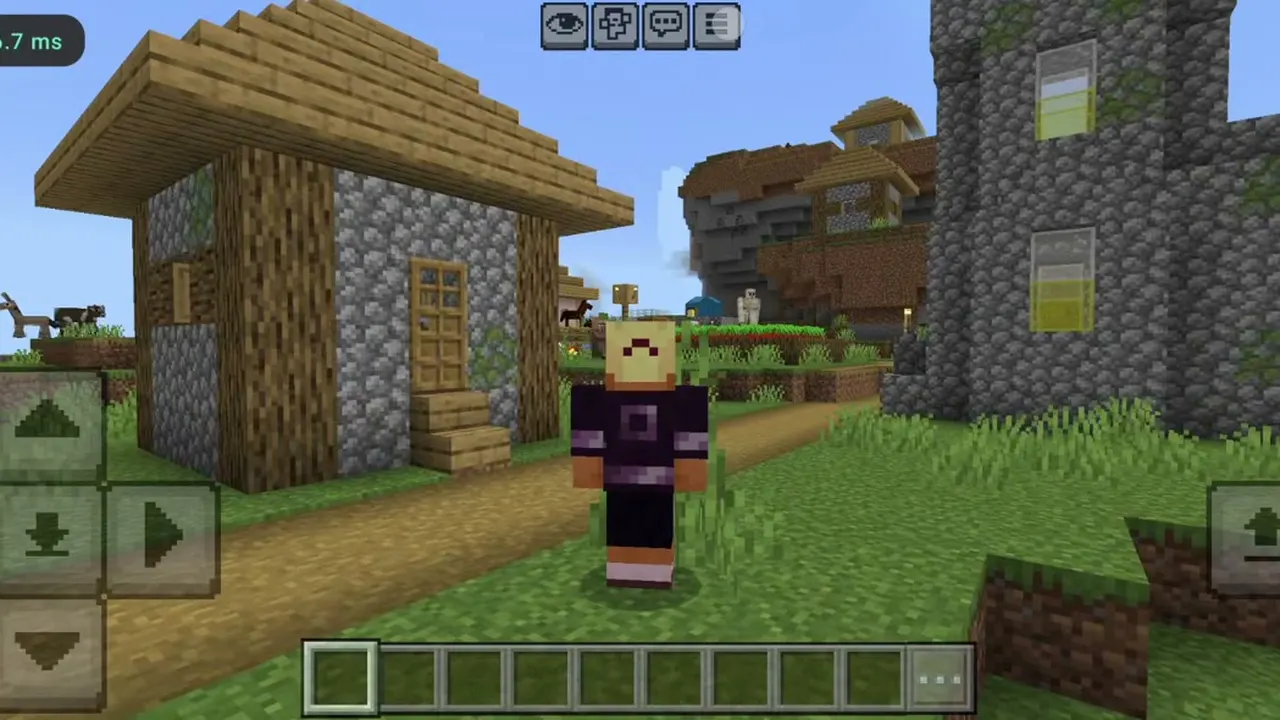
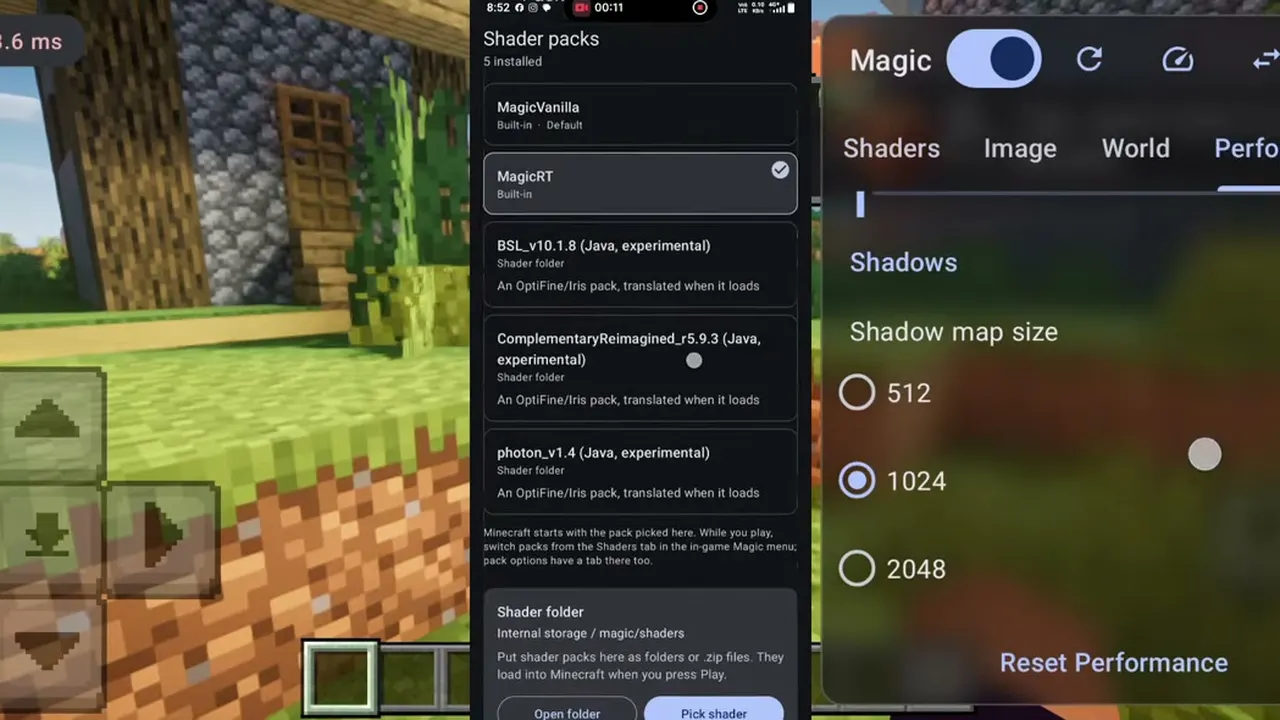
Once installed, open Magic Loader rather than the normal Minecraft icon. It prepares the shader layer and launches the game; once your world loads, open the Magic panel, confirm MagicVanilla is selected, and take your first look around.
Your First Shader Session
Give the first pack ten honest minutes. Walk from a forest to open water, wait for sunset, and watch the frame rate counter in the busiest scene you can find. Then open the Performance tab, step the shadow map size down once, and feel the difference. That little ritual teaches you more about your phone and this client than any screenshot, and it sets you up for the heavier Complementary and BSL sessions to come.