
Guide
Water and Reflections in Magic Loader: Getting That Mirror Surface
Reflective water is the screenshot that sells this client. Here is which packs do it best, which settings control it, and how to find your best water scene.

CONTENTS On this page
Start with the file and the facts from Magic Loader, because reflective water is the moment sceptics go quiet. This page covers how the headline packs handle water, the settings that sharpen or soften the mirror, and where to stand for the classic shot.
Which packs do water best
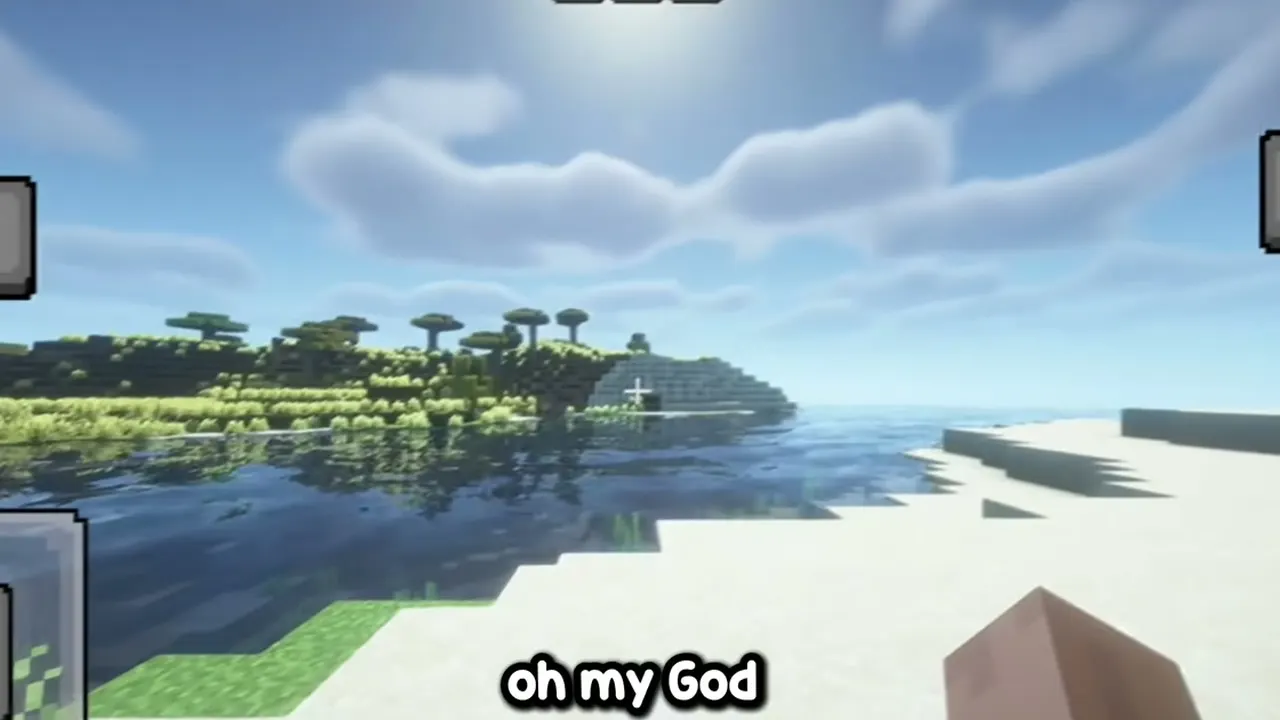
Complementary is the water favourite in early tests: sky reflection, sun glitter and a shoreline that blends rather than cuts. BSL runs it cleaner and brighter, better for tropical scenes and modern builds with pools and glass.
MagicVanilla treats water gently, a lift rather than a transformation. Judge water packs at two times of day: midday for clarity, sunset for drama, because the winner changes with the light. For the neighbouring topic, Magic Loader on a Low End Phone covers the next step in the same plain style.
Finding and framing your water scene
A river bend with trees on both banks gives reflection, shadow and sky in one frame. Stand slightly above the water, not at eye level with it, and let the sun sit low and to one side.
For video, move slowly along the bank. Reflections reward slow cameras; fast pans turn the mirror to mush on any hardware, phone or desktop. Players who finish this page usually continue with How to Uninstall Magic Loader and Return Minecraft to Vanilla for the follow on detail.
Quick Answers
Why does my water look flat?
Check that your pack is actually selected in the panel, then look at the Image tab: reflection quality options decide most of the mirror effect.
Does reflective water cost many frames?
It is one of the pricier effects. If frames fall near water, lower reflection and shadow settings together and retest at the same shore.
Best biome for a first water screenshot?
A river through a forest at sunset, or a tropical shore at midday for the BSL look. Both give the reflection something interesting to mirror.
Can I turn reflections off but keep the pack?
Yes, the Image tab controls let you soften or reduce reflections while keeping the pack lighting model you chose it for.