
Guide
Shadows and Lighting in Magic Loader: A Practical Tour of the Panel Controls
Shadow map size, image controls and the look of light itself: what each Magic Loader control really changes, with tests you can run in one evening.

CONTENTS On this page
Start with the file and the facts from Magic Loader APK, because the panel rewards players who understand it, and shadows are where understanding pays fastest. This tour explains the controls in plain language and gives you a one evening test routine that teaches your eyes what each lever does.
Shadow map size in plain words
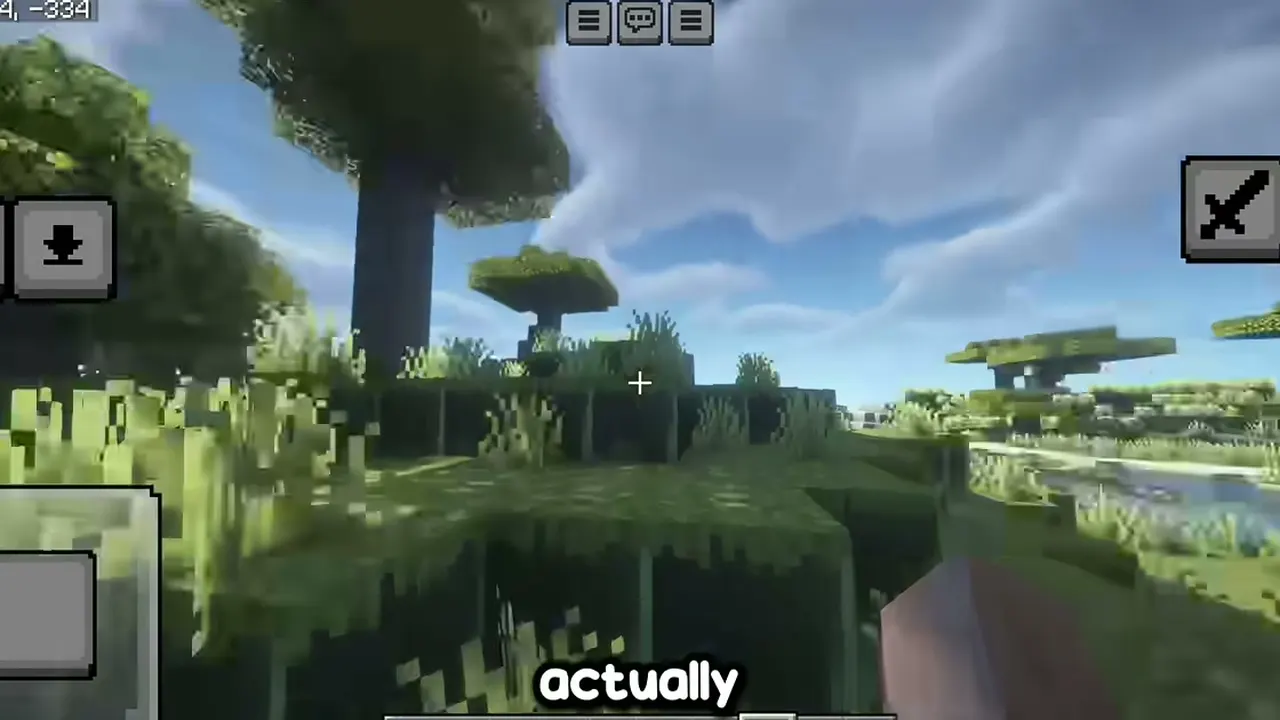
A shadow map is the picture the game draws of the world from the sun's point of view; everything it misses becomes light. A bigger map means finer shadows with cleaner edges, and much more work per frame. That is the whole trade, and it is why this setting sits at the top of every advice page here.
Test it at a fence line at noon: step the size up and watch the shadow edge sharpen; step it down and watch the frame counter climb. Your comfort point is where your eyes stop noticing and your hands start approving. For the neighbouring topic, Magic Loader and Minecraft Updates covers the next step in the same plain style.
Reading light like a photographer
Once shadows behave, read the scene in three parts: sky, bounce and contrast. Java packs differ mostly in these choices, which is why Complementary feels warm and BSL feels crisp under identical geometry.
Change the Image tab one family at a time against your saved sunset view. By the end of the evening you will not just have settings you like; you will know why, which is the difference between tuning and luck. Players who finish this page usually continue with How to Install Magic Loader on Android, Step by Step for the follow on detail.
Quick Answers
What shadow setting should most phones start at?
One step below the middle of the range, then climb after the forest test. It is the starting point most of our test phones settled near.
Why do shadows shimmer when I move?
At low map sizes the shadow picture is coarse, so edges crawl. One step up usually calms it, at a frame cost you can judge on the spot.
Do lighting settings affect battery?
Indirectly, yes: heavier lighting means a harder working GPU. Comfort settings are also the battery friendly settings.
Night looks too dark with my pack. Help?
Raise the night friendly options in the Image tab slightly, and carry more light sources. Several packs are tuned dark on purpose for mood.